TL:DR  espeak-ng
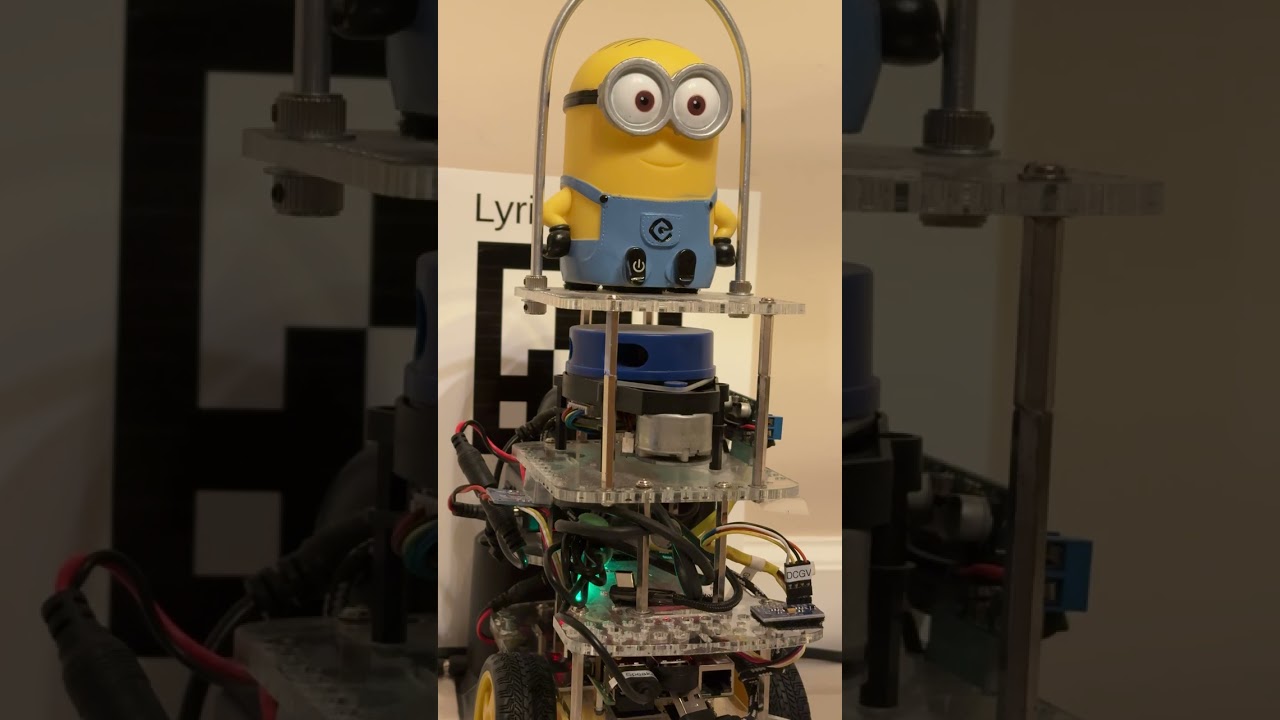
I’ve been playing around to make Dave’s voice roughly “Minion Like” using speed, pitch, and speaker selection.
Humble-Dave and Kilted-Dave used Piper-TTS , but that did not allow programatically changing the volume.
For Lyrical-Dave, I have returned to using espeak-ng which allows full programmatic control of pitch, speed, and volume.
Currently Lyrical-Dave uses:
(Example:) espeak-ng -s175 -ven-us+f1 -p 99 -a 50 "This is Dave speaking"
-s175 speeds up the speaking
-ven-us+f1 chooses US English with “Female number 1”
-a 50 sets the volume to 50 for this example. 75% is loud, 99% is shouting, 10% is a very quiet whisper
-p 99 raises the pitch the maximum possible
For actual usage, I spawn the espeak-ng in a process and pass in volume, and the phrase to be spoken:
subprocess.check_output(['espeak-ng -s175 -p 99 -ven-us+f1 -a'+str(vol)+' "%s"' % phrase], stderr=subprocess.STDOUT, shell=True)
I changed the YouTube short linked above to show these specific “Lyrical-Dave” settings in the
simple “HelloDave.py” which has:
- grammar based VOSK speech recognition on the front end, and
- a “Non-Repeating Random Generic Greeting From A List” method for the generic greetings (Hi/Hello/Hey Dave), and
- one-to-one “if recognized {GoodMorning|GoodAfternoon|GoodEvening} then repeat back {temporal greeting} to you”
- and the special case of “Good Night Dave” that says “Good night, Going To Sleep Now” and exits the program.
HelloDave.py uses my “speak honoring quiet-time from 11pm to 10am” library module which also logs the datetime and what he was asked to say along with either “-spoken” or “-quiet time”
As mentioned in the prior comment, I am complicating Dave’s life and mine
- via daily limited sessions with Claude to learn how to
- use Behavior Trees instead of the “if-then-elseif”, and
- coding a ROS 2 node in C++ instead of my comfortable Python, and
- adding a Blackboard to allow posting robot information such as battery state, for non-speech-reco related behaviors to be in the same behavior-tree-rule-base as the simple “Hello Dave” mappings.
- use ROS “Lifecycle Nodes” which handle
- activating all the components
- (speech reco engine,
- reading in and setting the grammar,
- starting the behavior-tree server,
- reading in the behaviors, and
- shutting everything down in an orderly and reliable fashion.
- Calls my ROS 2 “Say Node” which front-ends my “quiet-time and logging” plib/speak.py
With these settings - the new “Short”: